⚓ Boarding the Catalog! Calling all buccaneers for the Spritz Manager beta test 🏴☠️
Ahoy, crew! 🍹
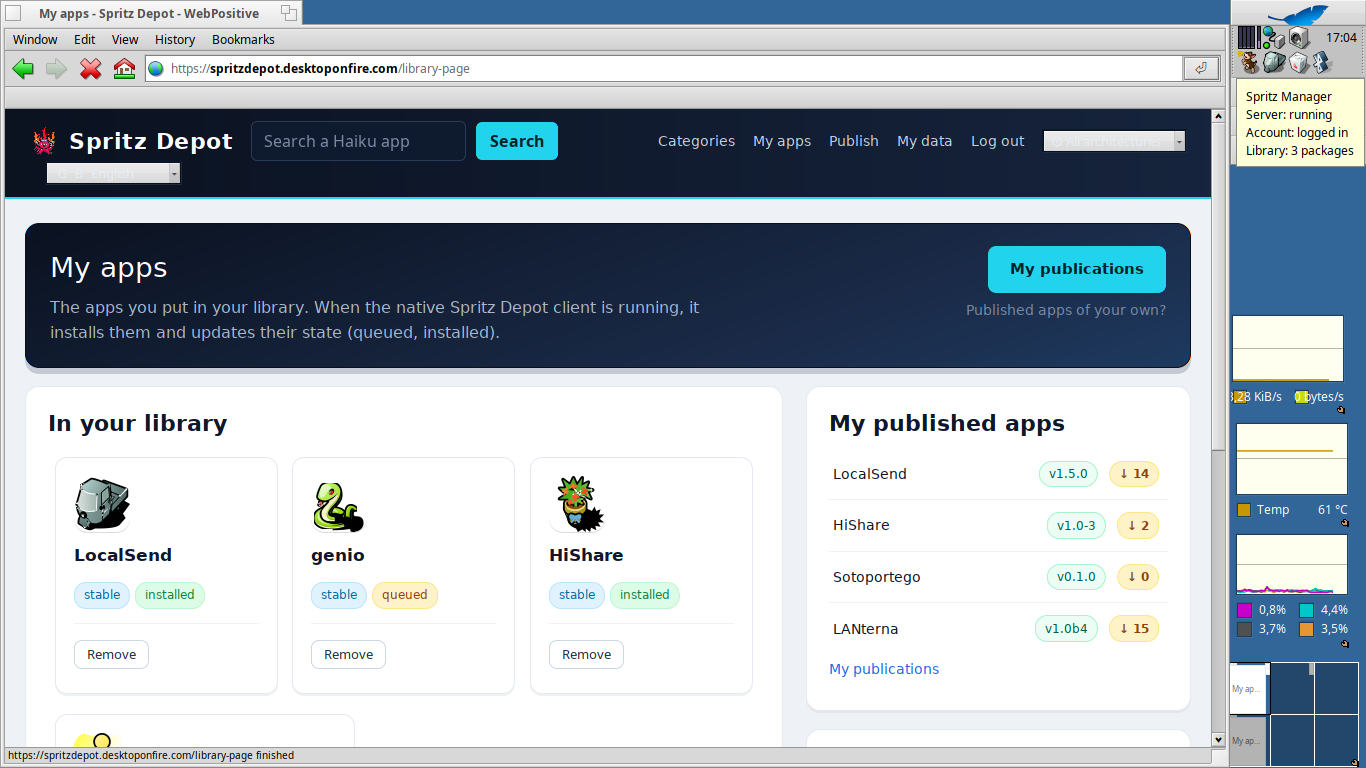
It’s time to drop anchor and get your hands on a fresh build of Spritz Manager, the native Haiku client for Spritz Depot—our software catalog that always points to the original authors. I need a few brave pirates to hoist the beta-testing flag and try to make it sink. 😏
🗺️ What’s in the treasure chest spritzmanager-0.1.1-14-x86_64.hpkg
The daemon that keeps an eye on your library and manages installations;
The Deskbar replicant (status icon + quick menu);
The spritz:// link handler (install from the website with a single click);
The CLI for login (to handle your token).
⚠️ x86_64 only and pre-alpha quality: this is built to break, not for production use. Keep a backup if you’re the cautious type!
🧭 How to set sail
Bash
pkgman install spritzmanager-0.1.1-14-x86_64.hpkg
Once installed, find the Spritz icon in the Deskbar → menu → Log in (you'll need an account on the depot). From there, the daemon will monitor your Spritz library for updates.
🔦 Where to aim your cannons (what to test)
Login: Log in via the Deskbar menu and verify that it stays logged in after a package upgrade (this was a notorious bug; it should hold now).
Deskbar icon: Check the status tooltips and ensure the icon reappears automatically after an upgrade.
Updates: Install something via spritz:// from the website https://spritzdepot.desktoponfire.com , then check that updates are detected and that "Install N updates…" from the menu applies them correctly.
Notifications: They should now show the app name instead of a cryptic ID.
spritz:// links: Test clicking links from your browser → confirm dependencies → installation.
📨 How to send messages in a bottle (feedback)
Reply to this thread with:
What you did and what happened,
Any relevant lines from the syslog,
Your Haiku version (and whether it's nightly or beta).
Every bug caught is a doubloon for the common treasure. Fair winds and good hunting! 🏴☠️🦜