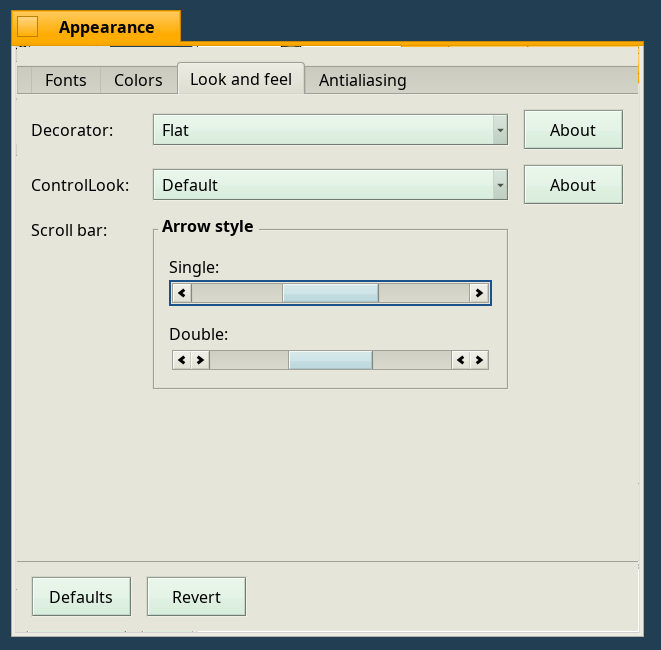
This is a small guide for making Haiku R6 look like the original BeOS.
Many people are probably like me and want to try out Haiku because of nostalgia for BeOS 5, which was distributed for free in the 1990s.
In Haiku, the developers have quite sneakily hidden away the original BeOS yellow window title tabs, and replaced them with their own glossy version. This is how you get the original experience:
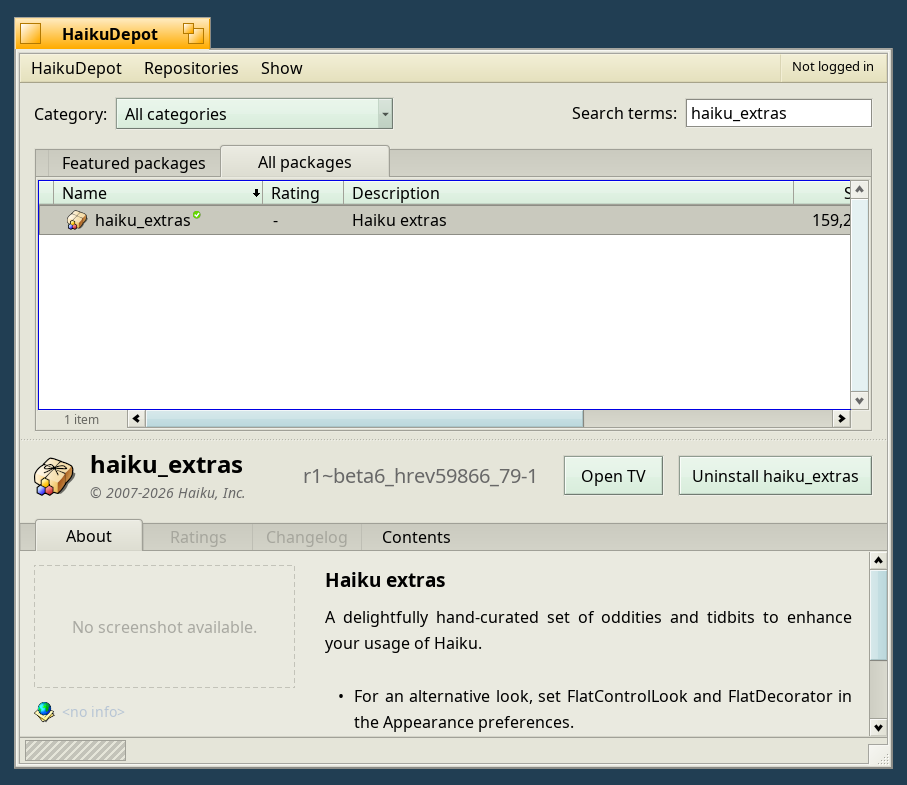
- Open HaikuDepot from the Applications menu
- In the search field: search for haiku_extras and remember the underscore.
- Install Haiku Extras
- Go to Preferences -> Appearance -> Look & Feel
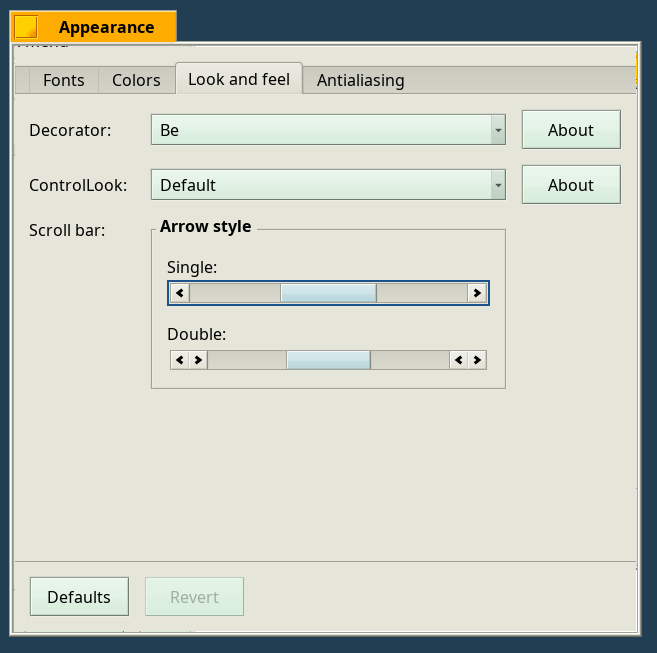
- In the Decorator dropdown you now have two new options: Be and Flat
- In the ControlLook dropdown you now have two new options: Be and Flat
Note: There is a bug in Haiku which makes the window frame have a 1 pixel wide transparent/glitched frame on these decorator looks.
BeOS window look:
"Flat" window look: